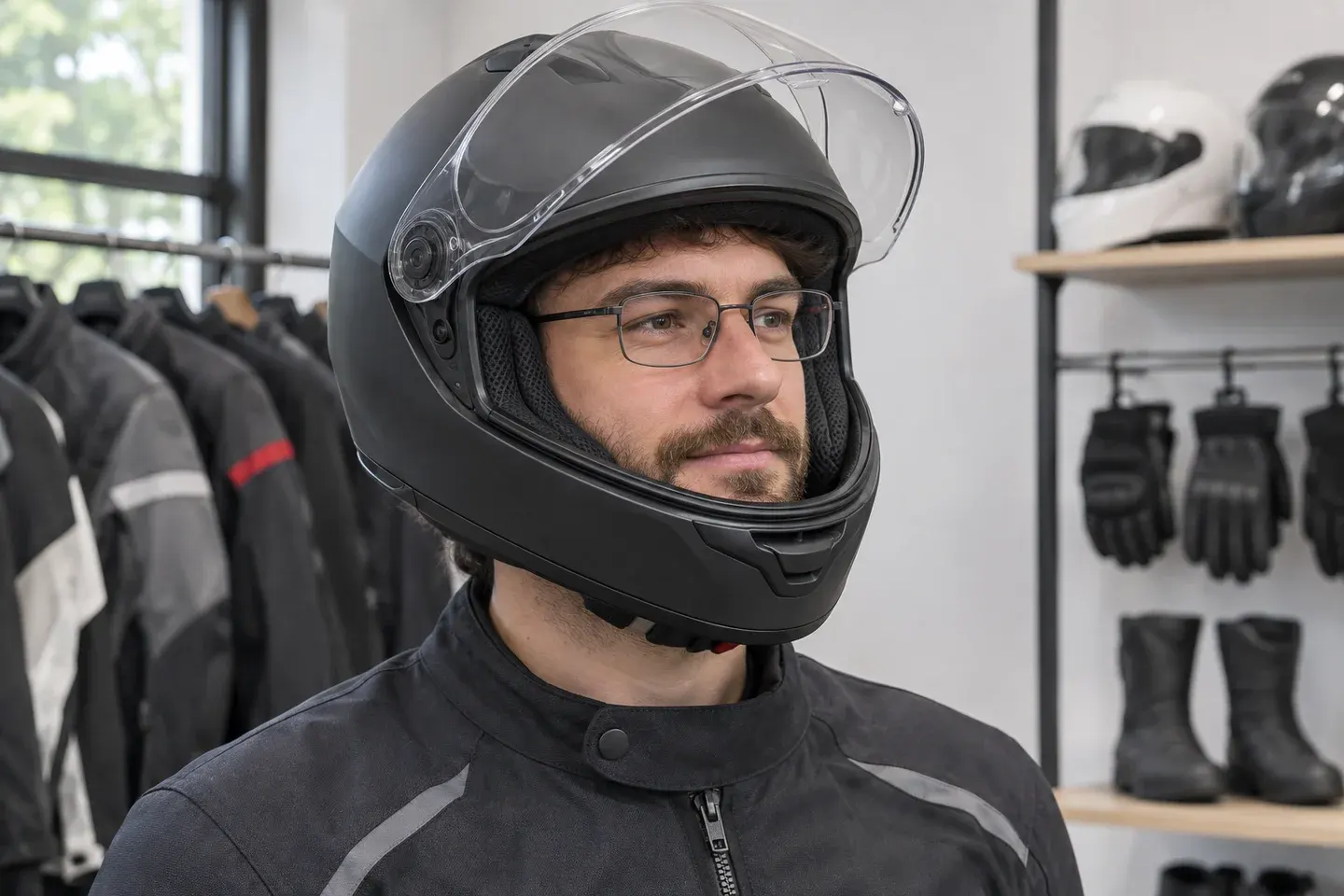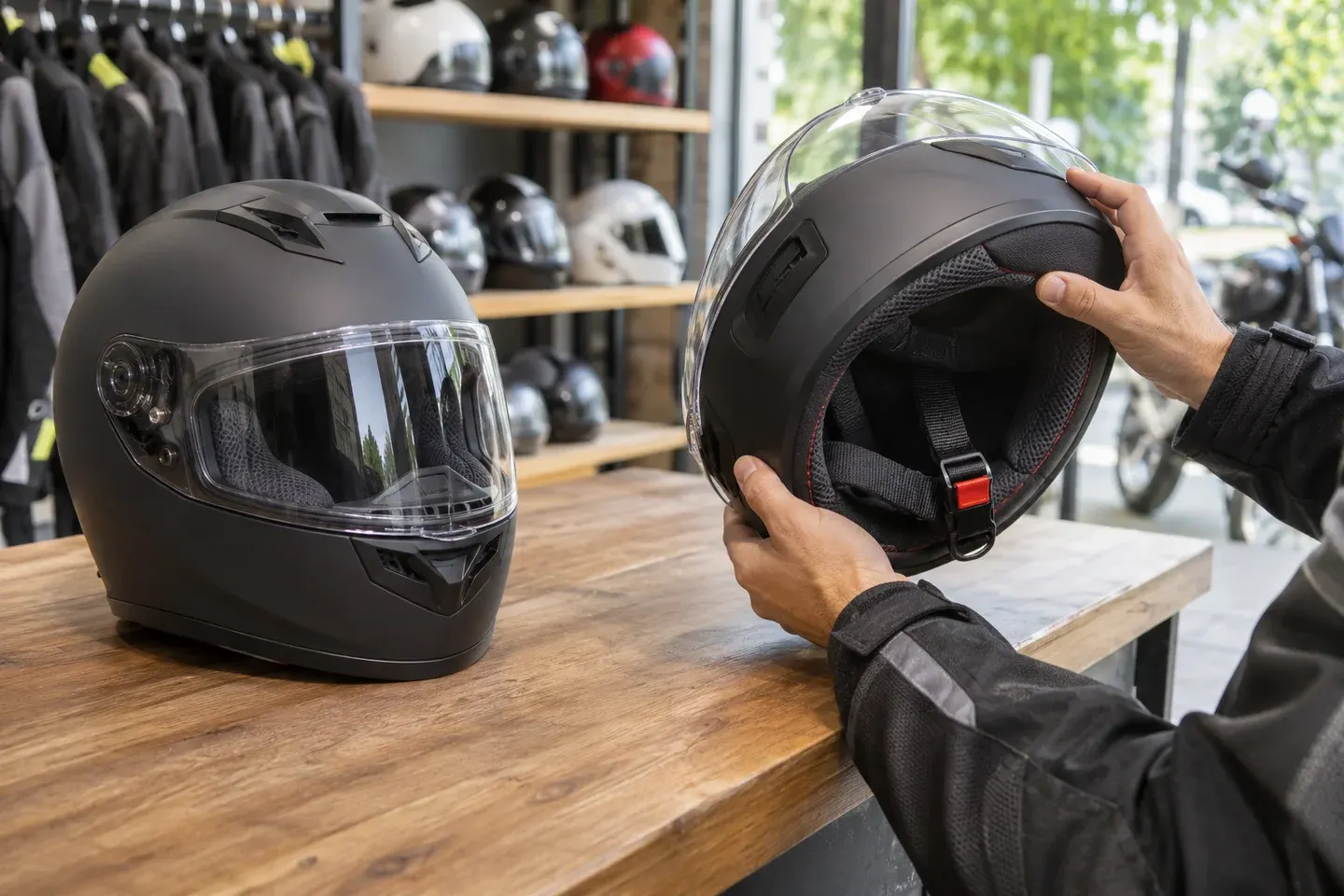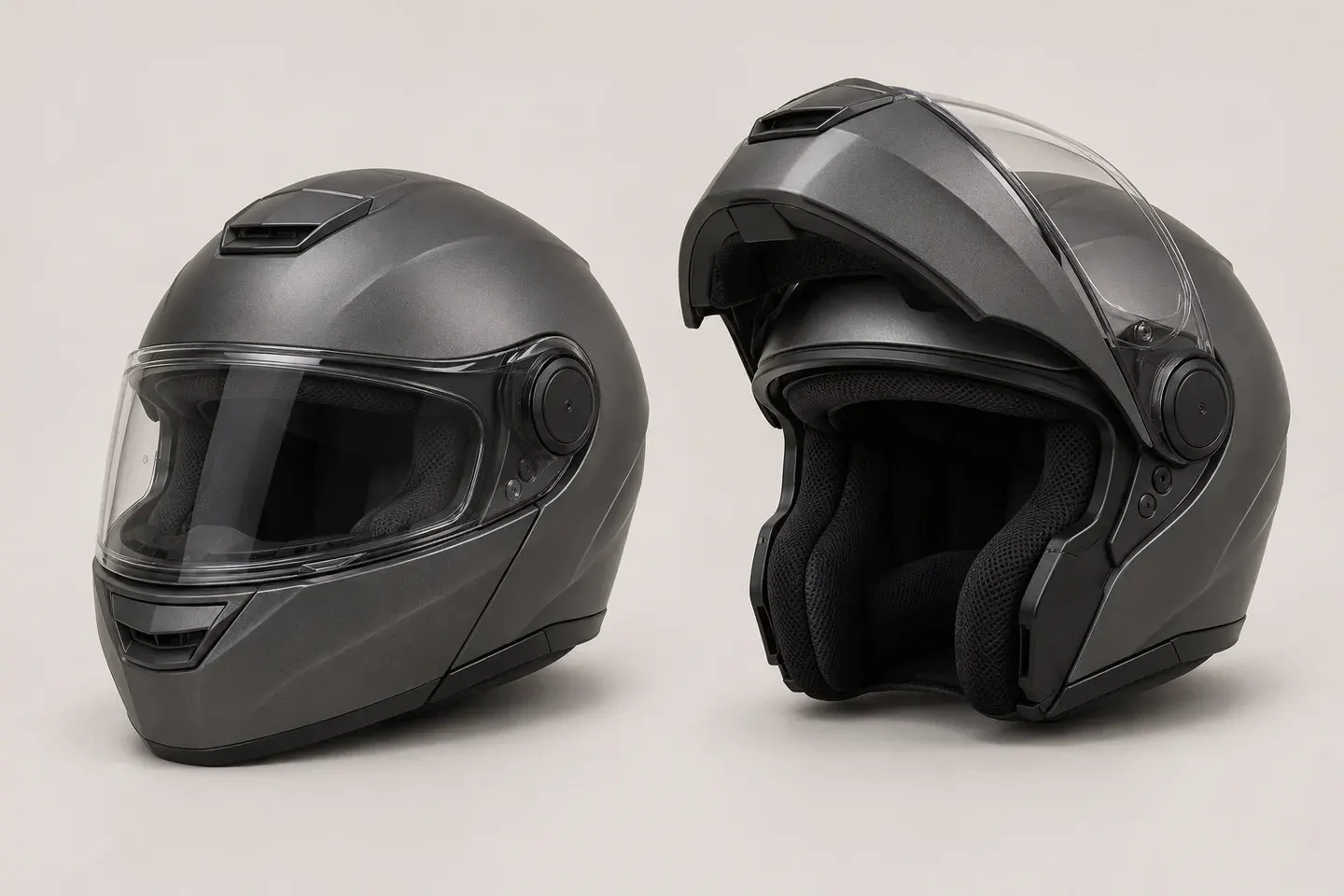
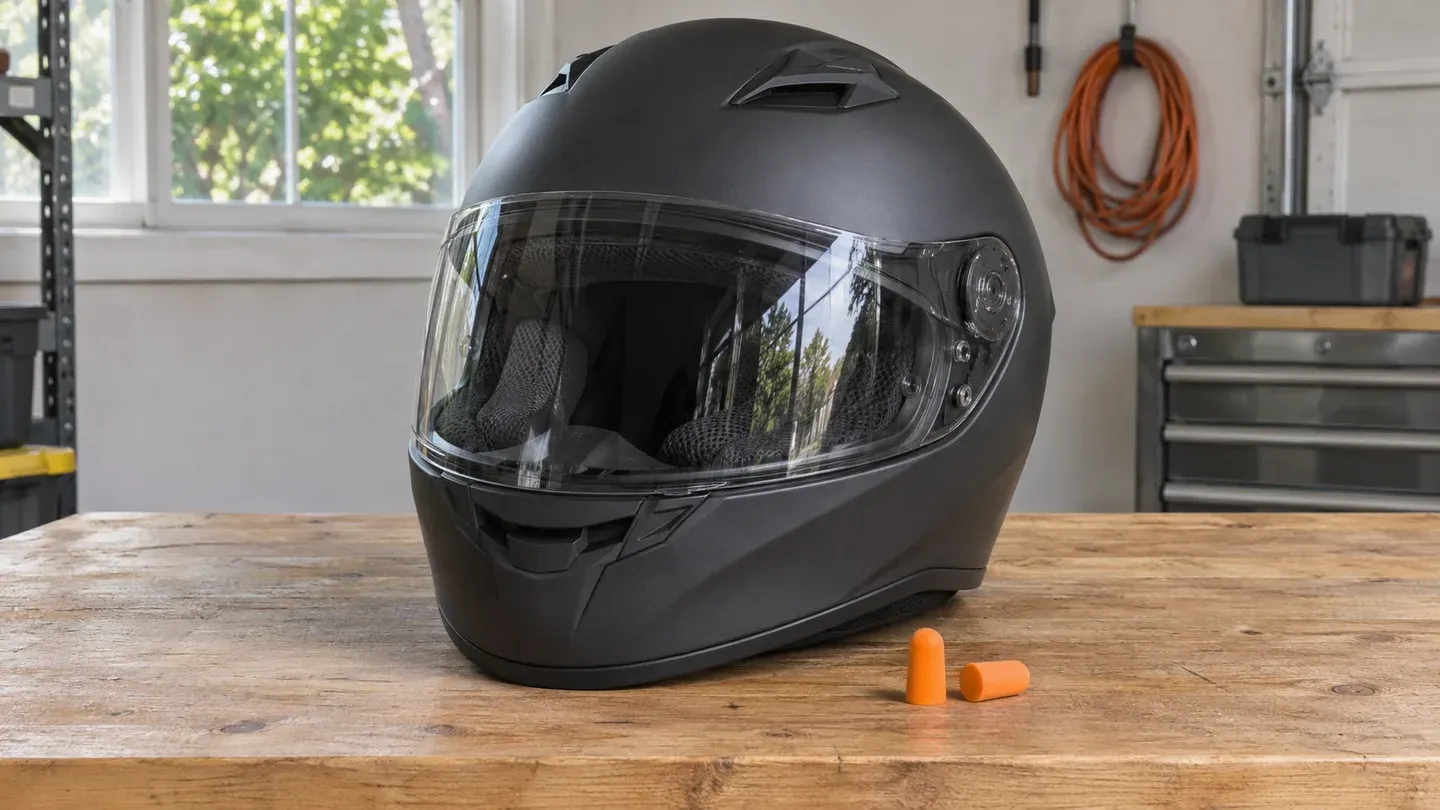
Fit motorcycle earplugs before putting on your helmet, then check them again after the helmet and strap are secure. A plug that feels fine in the garage can shift as the lining passes over your ears. If one side suddenly sounds louder or feels loose, take the helmet off while parked and refit the plug.
Hero image: AI-generated illustration of a helmet and foam earplugs.
What earplugs can do under a helmet
A helmet protects your head against impact. Treat hearing protection as a separate choice. A small study of motorcyclists found that earplugs reduced sound reaching the ear under a helmet, with no significant attenuation difference among the three plugs tested. It cannot tell you what a particular plug will do in your helmet on your route. If the noise changes when you move behind your windscreen, our helmet wind noise guide explains how to compare the bike and helmet setup.
Choose a plug you can fit consistently
- Roll-down foam: A practical first option to try if the earplug fits comfortably and you can wait for it to expand. Keep spare plugs clean and follow the packaging on replacement.
- Reusable plugs: Check the sizing instructions and look for a shape that clears the helmet lining. If a stem rubs or gets pushed sideways, try a different approved size or style.
- Filtered or custom plugs: Ask what attenuation data the maker provides and how to check the fit. A filter can change how different frequencies come through, and a custom fit is worth discussing with a hearing professional if ordinary plugs repeatedly come loose or hurt.
The rating on the package reflects testing under specified conditions. It cannot establish the reduction you get on the road. NIOSH recommends individual fit testing in its workplace guidance because attenuation varies with the person and the fit. Ask a hearing professional about fit testing if you need a measured result.
Fit and recheck while parked
- With clean hands, follow the instructions for your plugs. For roll-down foam, compress it into a narrow smooth cylinder, gently lift the outer ear with the opposite hand, insert as directed and hold it while it expands.
- Use a quiet, stationary setting to compare how the two sides feel. Pain, a loose plug or a clear difference between sides is a reason to stop and refit. This quick check cannot measure attenuation.
- Put on the helmet, fasten the strap and turn your head. Feel for pressure from the liner or speakers and check whether either plug has moved. If the setup only works with a loose helmet or altered protective foam, try different plugs. Use the helmet fitting checklist if the problem persists without the plugs.
Set up navigation and intercom with the plugs in
While parked, test the navigation prompts or intercom with the helmet on and the earplugs fitted. Check the speaker position and reduce background music before raising the volume. If speech still takes effort to understand, simplify the audio setup instead of trying to overpower wind noise. The helmet intercom guide covers installation and controls.
Check the rules for earplugs and audio devices where you ride. If you cannot hear cues you rely on, review your setup while stopped. A stationary check helps catch obvious problems, and traffic conditions will vary.
Sources
- Hearing protection for motorcyclists, a study of earplug attenuation and comfort with and without a helmet.
- NIDCD guidance on hearing protectors and earplug fitting.
- NIOSH guidance on hearing protector selection and individual fit testing.